Official Expense Reimbursement Policy
Jump directly to the official policy section for reimbursable and non-reimbursable expenses.
FSI How to Use
Follow role-based onboarding and workflow guidance for employee, supervisor, and finance users.
Getting Started
Set up your account and learn where to submit expense reports.
Report Submission
Build complete expense reports with clear descriptions and totals.
Supervisor Review
Understand how supervisors assess pending reports and request updates.
Approvals & Statuses
Track what each report status means from draft through final decision.
Finance & Export
Code approved reports, clear them for export, and finalize payouts.
Receipts
Prepare and attach proof-of-purchase documentation that passes review.
Account Management
Maintain secure access with updated profile details and password hygiene.
Approvals & Statuses
Track what each report status means from draft through final decision.
- DRAFT — visible only to you. Edit or delete it freely; nobody else sees it yet.
- SUBMITTED — waiting in your supervisor's queue. Still editable by you until they act on it.
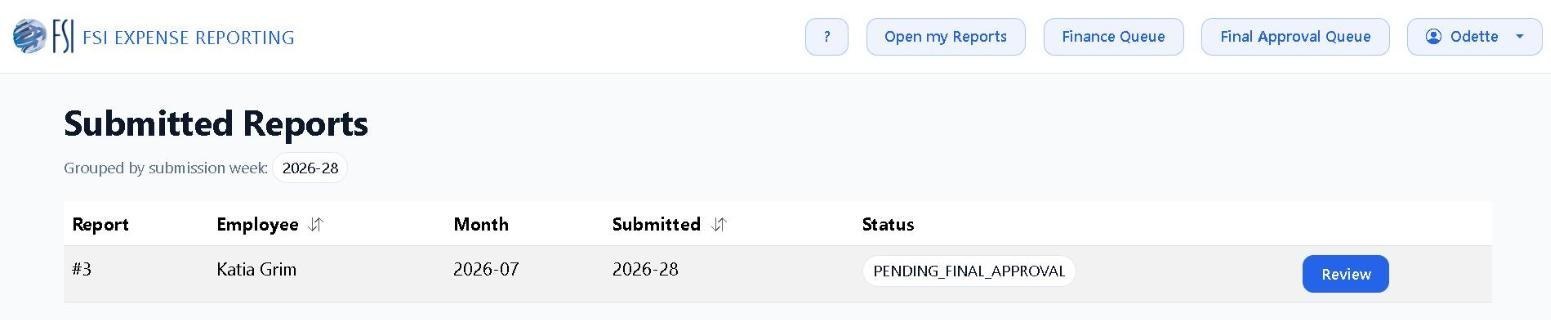
- PENDING_FINAL_APPROVAL — your supervisor approved every line; a final approver now signs off.
- PENDING_FINANCE — final approval is done and Finance is checking expense types and GL coding.
- APPROVED — Finance cleared the report and it is queued for the next NetSuite export batch.
- FINALIZED — exported and scheduled for payout. This is the end state for a reimbursed report.
- REJECTED — returned to you with comments. Read the reviewer notes, fix the flagged lines, and resubmit.
- Use My Reports to monitor these status changes before making edits.