Official Expense Reimbursement Policy
Jump directly to the official policy section for reimbursable and non-reimbursable expenses.
FSI How to Use
Follow role-based onboarding and workflow guidance for employee, supervisor, and finance users.
Getting Started
Set up your account and learn where to submit expense reports.
Report Submission
Build complete expense reports with clear descriptions and totals.
Supervisor Review
Understand how supervisors assess pending reports and request updates.
Approvals & Statuses
Track what each report status means from draft through final decision.
Finance & Export
Code approved reports, clear them for export, and finalize payouts.
Receipts
Prepare and attach proof-of-purchase documentation that passes review.
Account Management
Maintain secure access with updated profile details and password hygiene.
Getting Started
Set up your account and learn where to submit expense reports.
- Register from the account request page, then wait for administrator approval before your first sign-in.
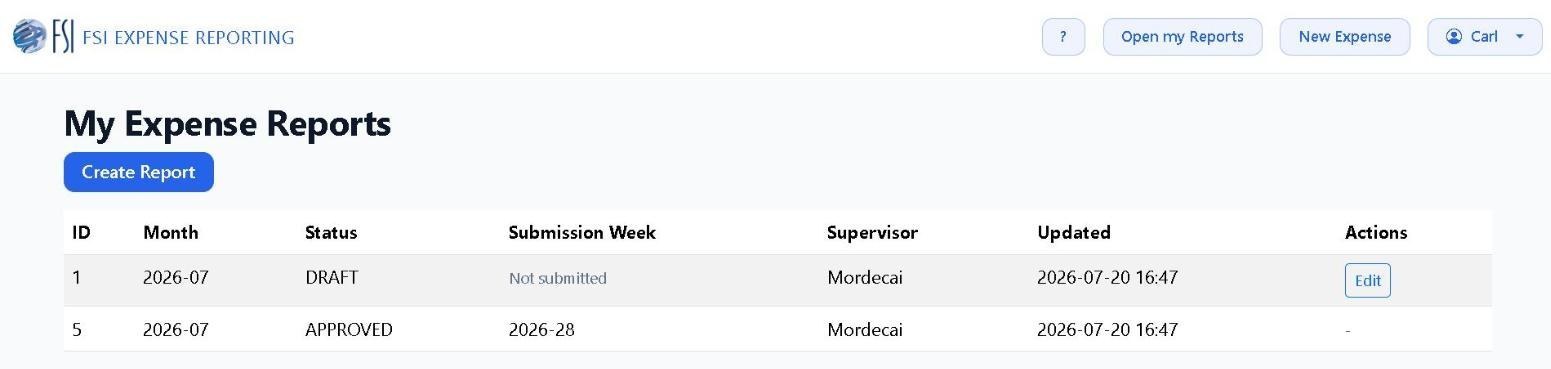
- After login, open My Reports to review past submissions and start a new report.
- Keep your profile email and phone current so supervisors can reach you quickly when follow-up is needed.