Official Expense Reimbursement Policy
Jump directly to the official policy section for reimbursable and non-reimbursable expenses.
FSI How to Use
Follow role-based onboarding and workflow guidance for employee, supervisor, and finance users.
Getting Started
Set up your account and learn where to submit expense reports.
Report Submission
Build complete expense reports with clear descriptions and totals.
Supervisor Review
Understand how supervisors assess pending reports and request updates.
Approvals & Statuses
Track what each report status means from draft through final decision.
Finance & Export
Code approved reports, clear them for export, and finalize payouts.
Receipts
Prepare and attach proof-of-purchase documentation that passes review.
Account Management
Maintain secure access with updated profile details and password hygiene.
Supervisor Review
Understand how supervisors assess pending reports and request updates.
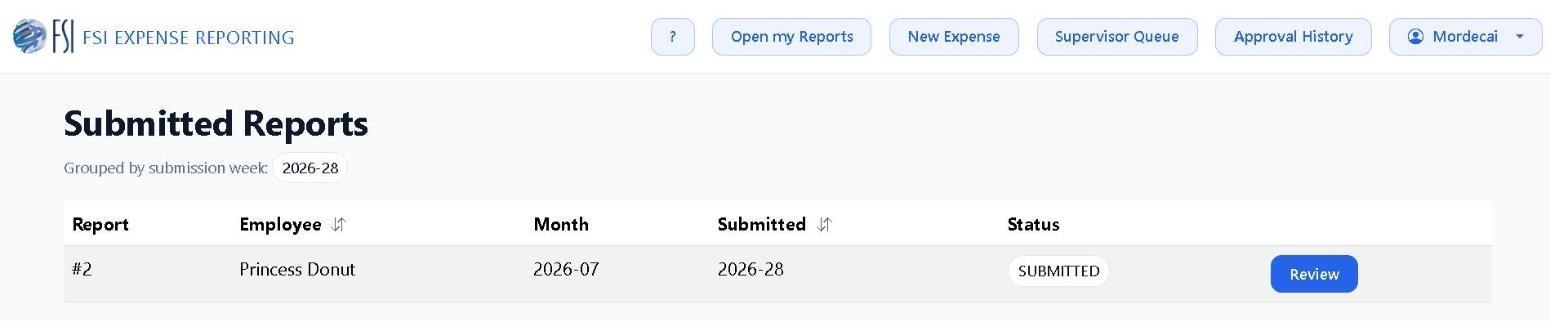
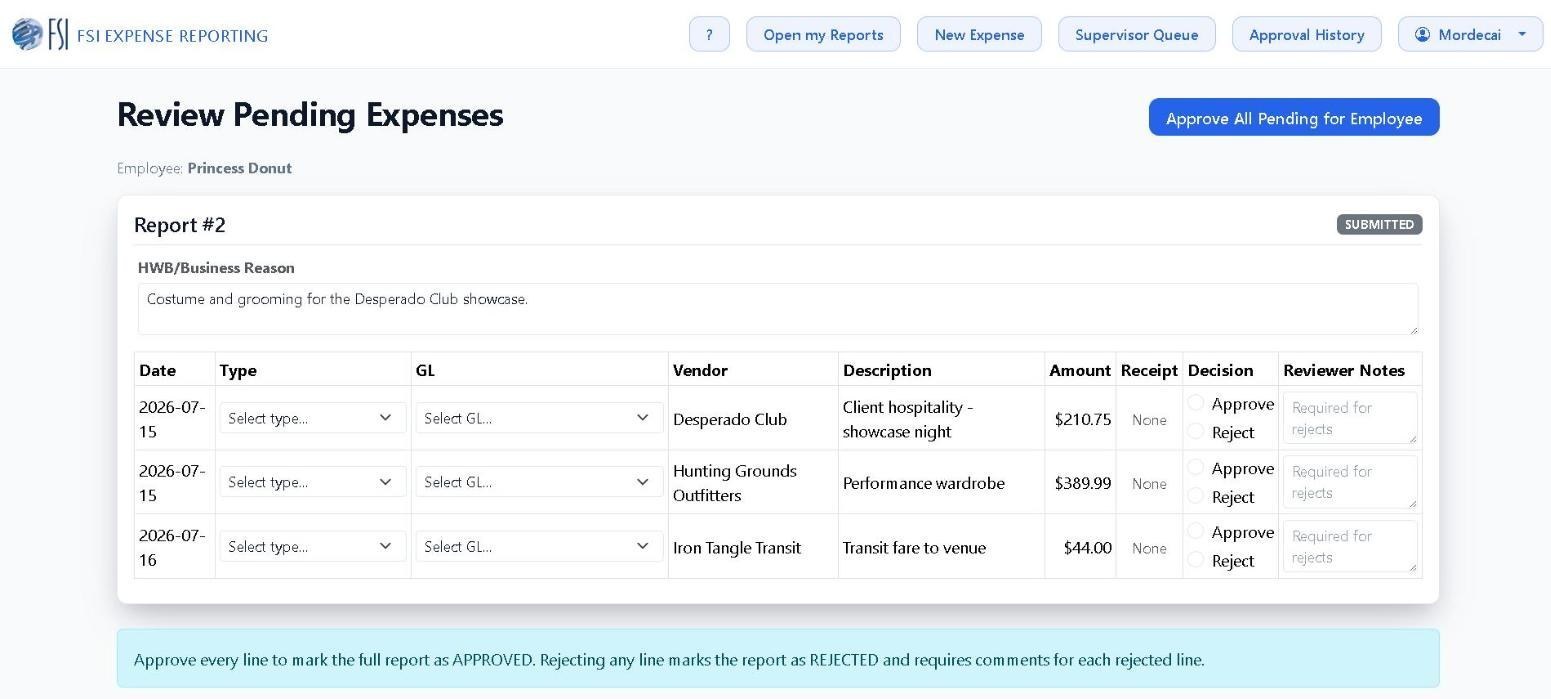
- Supervisors open the dashboard to view submitted reports assigned to their team.
- Each review checks policy alignment, receipt quality, and whether the business purpose supports reimbursement.
- Review is line by line: approve or reject each expense individually, and set the expense type and GL account while you are there.
- Approving every line advances the report to PENDING_FINAL_APPROVAL. Rejecting every line marks the whole report REJECTED.
- If information is missing, supervisors reject with comments so employees can revise and resubmit quickly.